

It can be frustrating when you’re ready to change your settings but Bibimbap is not detecting your mouse. If that happens to you, follow these troubleshooting steps to get back in the game.

First of all, check if your device and browser are compatible with Bibimbap.
Bibimbap only works with Google Chrome and Microsoft Edge, so please make sure you're using one of them.

As for device compatibility, please note that only newer models are compatible with Bibimbap. In order to check if yours is one of them, you can access the Download section of our website here. Find your model, and click it.
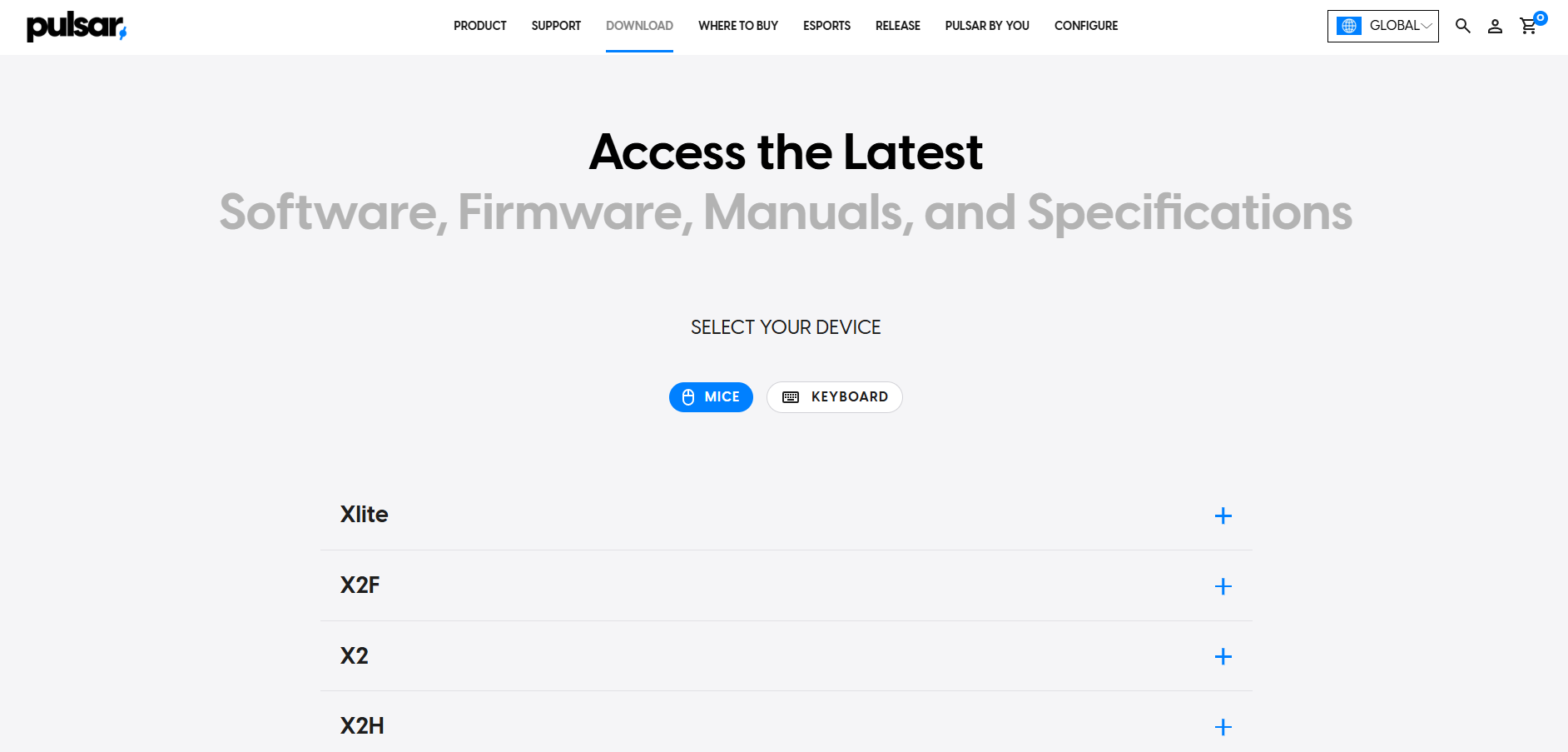
Once you're there, if your mouse is compatible, you'll see a link to Bibimbap similar to the one highlighted in red below:
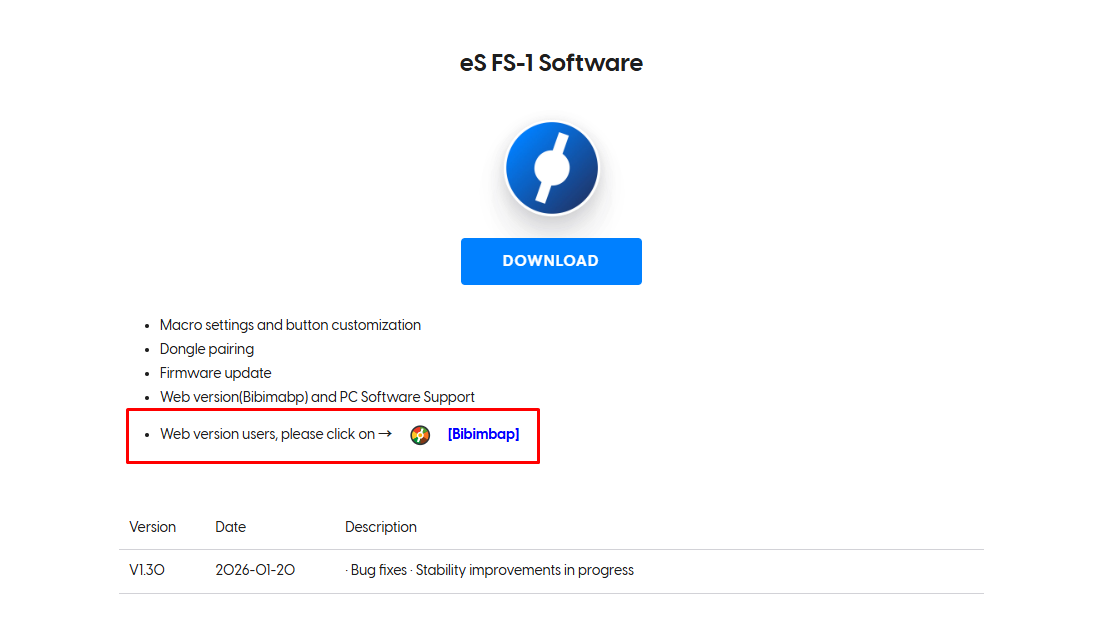
If you can't see that link, then unfortunately your device is not compatible with Bibimbap. If that's the case, please change your mouse settings using the Windows software (or, in the case of eS mice that aren't compatible with Bibimbap, change your settings using the OLED screen on your mouse).
Both my mouse and my browser are compatible with Bibimbap. Yet, my mouse is not being detected there. What should I do?
- Test an incognito window. Sometimes, browser extensions (like ad-blockers or security plug-ins) can interfere with the browser's ability to communicate with USB devices. Open an incognito window on Google Chrome or Microsoft Edge and access Bibimbap there. Make sure no browser extension has permission to be active on incognito mode.
- Update your browser to the latest version available.
If the mouse or dongle is still not showing up, we need to determine if the issue is software-related or a hardware fault.
- Test outside Bibimbap: Does the mouse work for general navigation on your desktop? Does the cursor move?
- Try different ports: Switch the USB cable or dongle to a different port on the back of your CPU.
- Test an alternative cable.
- Contact Support: If the mouse or dongle are not functioning properly in general use or across different computers, please contact our support team for further assistance.